A word from our CEO
As we continue to work with broadcasters across North America, one thing has become increasingly clear: the expectations around content are evolving faster than ever.
Radio is no longer just about what’s heard—it’s also about what’s seen. Audiences expect video, social content, and more ways to engage with their favorite stations. At the same time, most teams are being asked to do more without additional resources.
That’s where we believe automation plays a critical role.
Our focus at iMedia Software has always been to simplify complex workflows. With tools like iMediaCam, we’re not trying to change how studios operate—we’re helping them extend what they already do, in a way that’s scalable and sustainable.
It’s an exciting time for the industry, and we’re proud to be part of that evolution.
— Alex Schmitt
Highlights
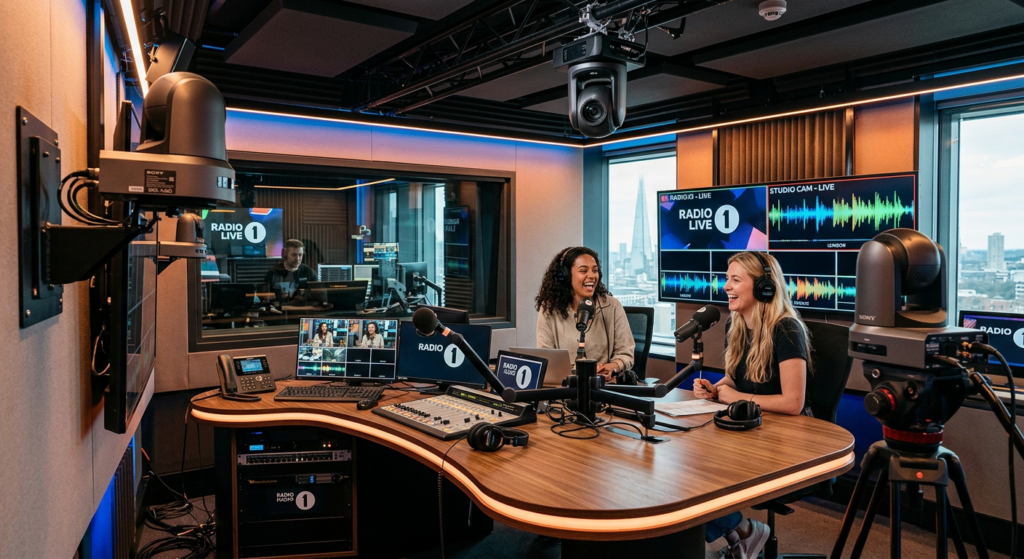
 From Audio to Video: Without Adding Staff
Radio is evolving. We hear it all the time.
Studios that once focused solely on audio are now expected to produce video content—live streams, social clips, and visual experiences that extend beyond traditional broadcast.
But for most teams, the challenge is clear:
How do you add video without adding people, time, or complexity?
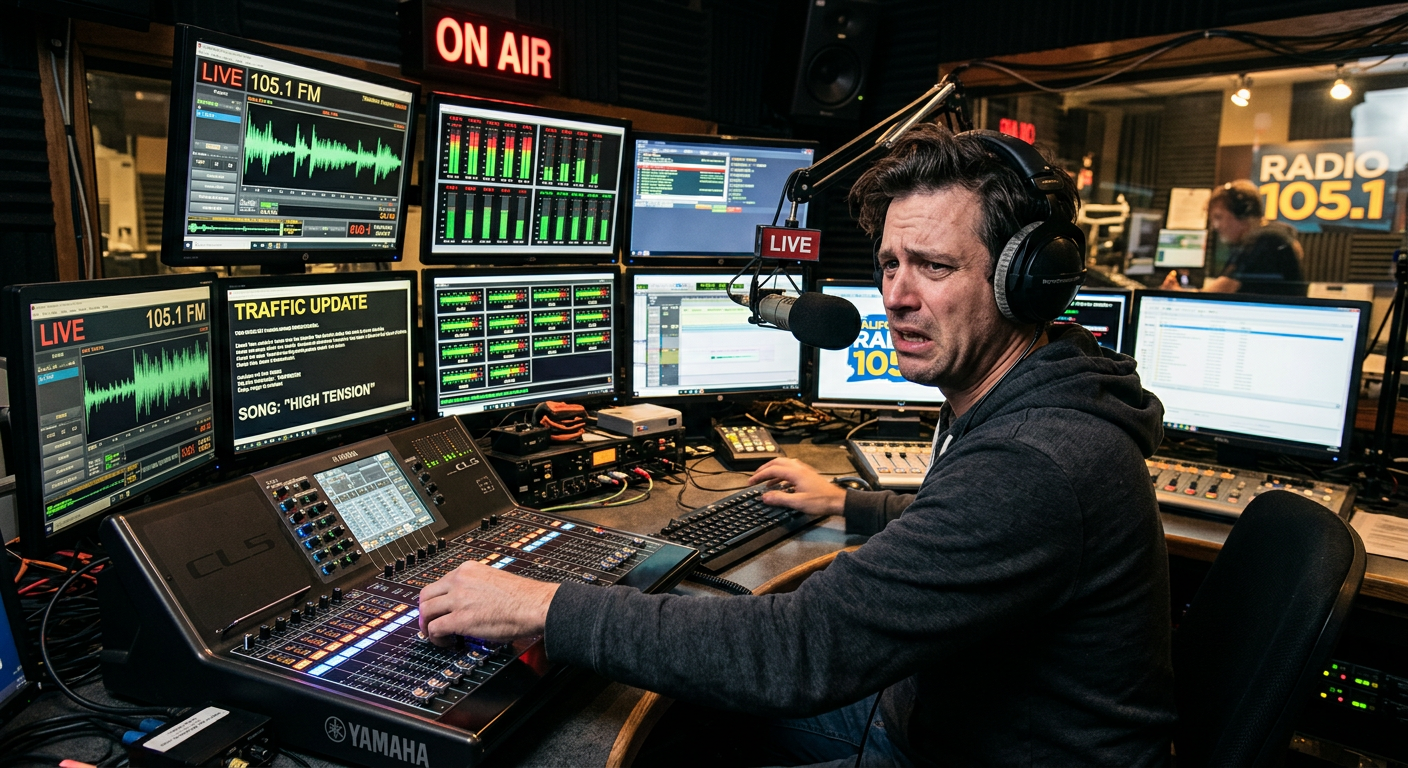
🚧 The Reality Inside Most Studios
For many broadcasters, the idea of adding video sounds great… until it becomes operational.
- Who runs the cameras?
- Who switches shots?
- Who manages the production?
In most cases, the answer is: no one has time.
And that’s where many projects stall.
⚙️ The Shift: Automation Over Manual Production
What we’re seeing across the industry is a clear shift toward automation.
Instead of building full video production teams, stations are looking for ways to integrate video into their existing workflows.
That means:
- No dedicated camera operator
- No complex production setup
- No disruption to the on-air team
Just systems that work in the background.
🎥 Where iMediaCam Fits In
This is exactly the challenge iMediaCam was built to solve.
By using intelligent automation, iMediaCam:
- Detects active speakers
- Switches cameras in real time
- Maintains a clean, professional output
All without requiring manual control.
The result is a multi-camera production that runs alongside your existing studio setup—turning your broadcast into a visual experience with minimal effort.
📈 What We’re Seeing from Broadcasters
More and more stations are:
- Adding video feeds to their studios
- Creating content for social media from live shows
- Building secondary studios for podcasts and digital content
- Even renting studio time to external creators
In many cases, video is no longer just an add-on—it’s becoming part of the core strategy.
🚀 A Practical Next Step
For teams exploring this shift, the key isn’t to overhaul everything at once.
It’s to start with tools that:
- Fit into your current workflow
- Reduce manual effort
- Deliver consistent results
Because the goal isn’t just to “add video.”
It’s to do it in a way that actually scales.
👋 See It in Action
If you’re curious how this looks in a real studio environment, we’d be happy to show you!
Book a demo with us here:
👉 https://outlook.office.com/book/iMediasoftwareBookingpage@imedia.software/
How do you Do That?
🎨 Color-Coding Your Log for Faster On-Air Decisions
Did you know you can use color to instantly identify content in your OnAir log?
With Group color assignments, each item in your log can be visually categorized—making it easier for talent to recognize what’s coming up at a glance.
⚙️ How It Works
Each category (music, imaging, promos, etc.) can be assigned to a Group, and each Group has its own color.
That color is then applied directly in the main log, so the title and artist text reflect the assigned Group color.
👉 The result: a cleaner, more intuitive view of your log.
🛠️ Setting It Up
- Open OnAir
- Click the gear icon (top right)
- Go to Group Setup
- Assign colors to your Groups
- Link your categories to those Groups
You can customize colors to match your workflow and preferences.
💡 Pro Tip: Improve Visibility
If lighter colors are hard to read in your studio lighting, there’s a simple trick.
Right-click on the drag strip (the grey bar next to each item), and the system will:
- Apply the Group color to the background
- Switch the text to white for better contrast
🚀 Why It Matters
Color-coding your log helps:
- Reduce on-air mistakes
- Improve speed and confidence
- Make your workflow more visual and intuitive
Sometimes, small visual improvements can make a big difference during a live show.
Lastly
We’d like to take a moment to congratulate the Cleveland Cavaliers on an outstanding season. It’s been exciting to watch, and we’re proud to have them as part of the iMedia family.
As we reflect on Memorial Day, we also take a moment to honor and remember those who made the ultimate sacrifice in service to their country.
We hope our American friends had a chance to relax, recharge, and spend time with family over the long weekend.
Wishing everyone a great start to the summer ahead.
Stay connected
As always, thank you for being part of the iMedia community. We truly appreciate the engineers, operators, and station owners who trust our solutions every day.
If you’d like to stay up to date with what we’re building and see how broadcasters are using our tools in real-world environments, take a moment to follow us on social media.
We regularly share product updates, industry insights, and behind-the-scenes looks at how studios are evolving.
👉 Follow us on [Linkedin] [Facebook] | [Instagram]
Giving you the tools to create great radio
iMedia Software is a solutions provider to the broadcast media industry across North America and Internationally. Our core products include the iMediaTouch Radio Automation System and Radio’s Number One Selling Digital Logger, iMediaLogger. By leveraging the latest in technology advancements and feedback from our clients we continually strive to provide radio broadcasters with leading edge software.